Intuitive Mobile Printing for Dynamic Professionals

Let phones and tablets become printing stations—for any user, any guest, at any time!
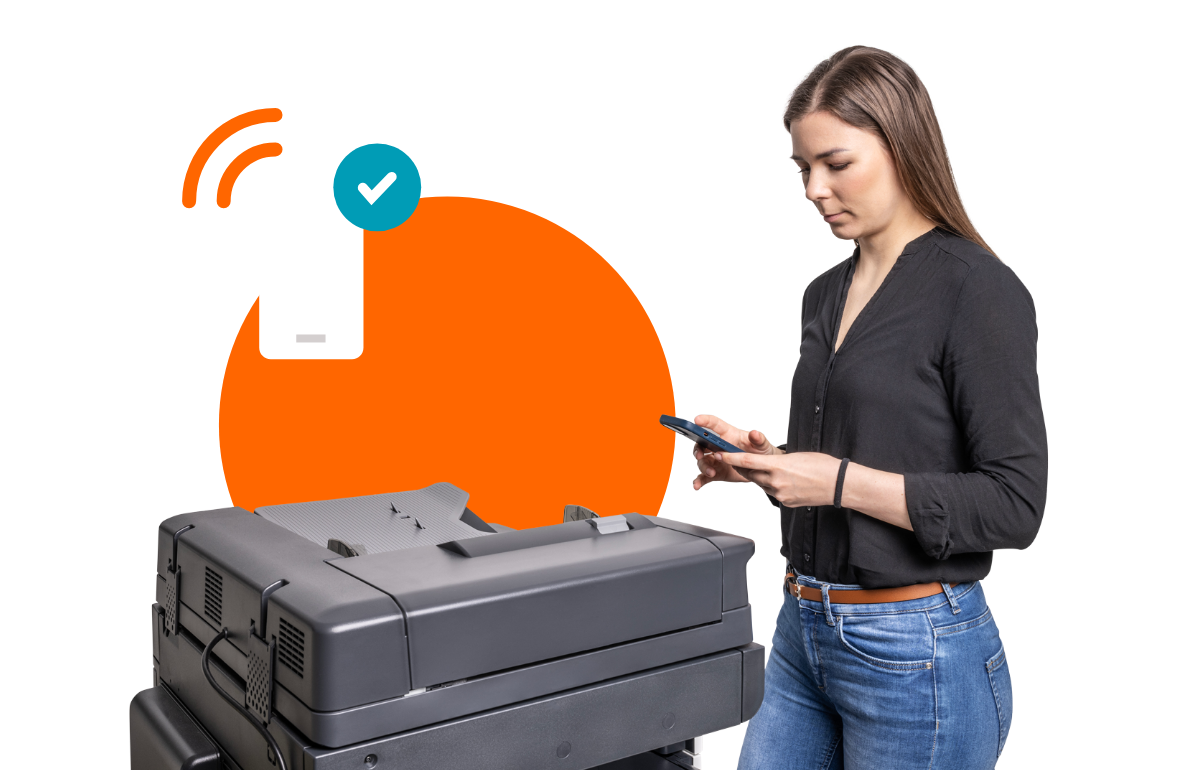
Mobile Printing header

Mobile printing

Smart Printing for the Mobile Generation

Phones and tablets are part of our daily work. Make it easy for your workforce and visitors to print on the go, with quick access to mobile print. Submit and release jobs from any device, at any location, to any printer, in seconds—without IT stepping in. 

Easy to use

Intuitive and easy to use

ysoft icon_circle_positive_Mobile Print

Print on the go

ysoft icon_circle_positive_User at Printer

Guest printing

ysoft icon_circle_positive_Wireless

BYOD friendly

ysoft icon_circle_positive_Apps

Brand-agnostic

ysoft icon_circle_positive_Apps
52%

of phone checks occur during work hours

SAFEQ On-Prem icon
65%

of offices offer support for mobile printing

Laptop
80%

of organizations use BYOD today

Cloud and Local Printing in One Touch

Enjoy driverless printing that’s both convenient and easy. Users can print from any iOS or Android device using the SAFEQ app, compatible with both our cloud and on-premises printing solutions.
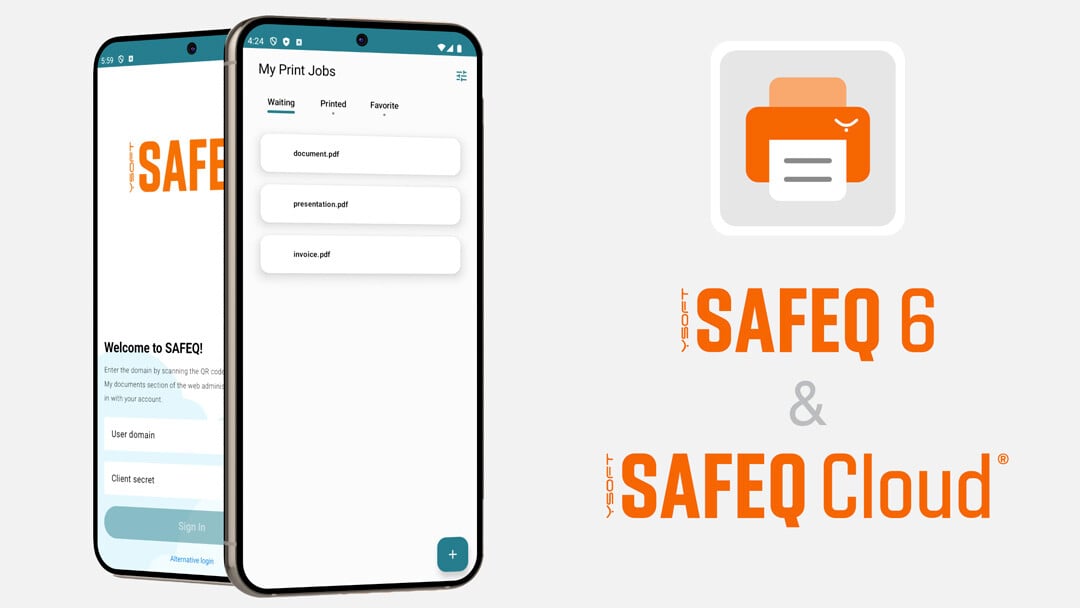
App compatible with SAFEQ 6 and SAFEQ Cloud - BG

One Single Application

Use a single app to submit and release print jobs with any solution in the SAFEQ portfolio.

Mobile Workforce

Allow your mobile, home office, and temporary workers easy cloud print access.

Guest Printing

Print jobs can be sent via web upload or email-to-print without access to the corporate network.

Connect, Click, Submit, That’s It!

SAFEQ Mobile App

Meet Your New Mobile Print Go-To

Download the YSoft SAFEQ mobility print app today and enjoy a simple solution to connect mobile users and guests to your print infrastructure. The application is available for iOS and Android devices, and enables:

  • Unified authentication experience
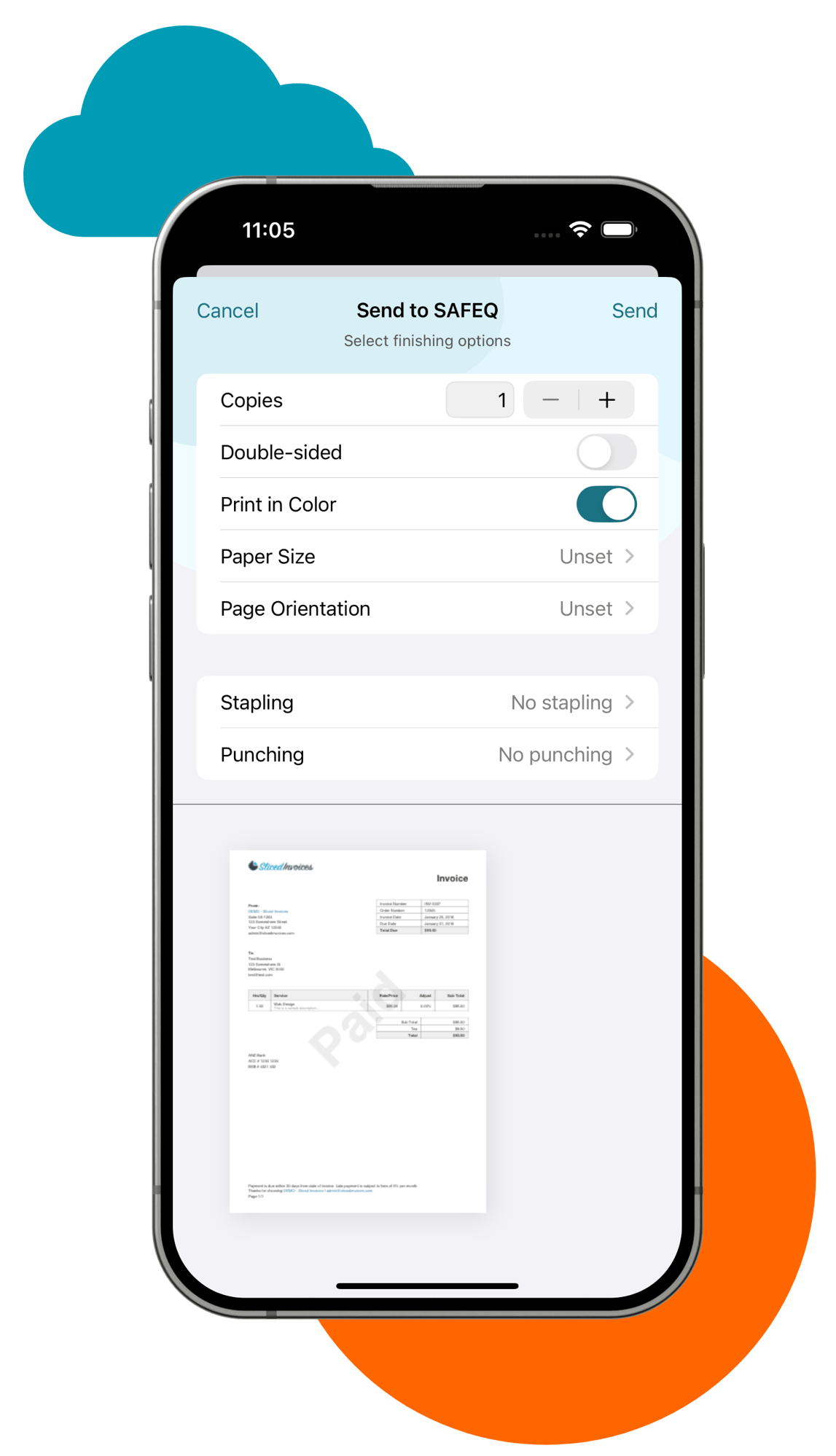
  • Various finishing options both on submission and release
  • QR code scanning with the pre-configured app
  • Print management at your fingertips


A More Intuitive Way to Print

Go Mobile

Here's how to print using the YSoft SAFEQ app. The application balances security with usability for both employees and external users.

1

Fast and easy set-up

Let users and guests get started without IT intervention. Users scan a QR code in their profile and download their pre-configured app. Guests self-register their accounts using the web interface. Guest accounts expire after a configurable period.

2

Flexible job submission

Submit print jobs with the click of a button. Select documents from your device or from apps like OneDrive and Google Drive. It's also possible to submit print jobs via email or web upload. Select your finishing options and send the document for release.

3

Simplified job release

Users get the flexibility to edit finishing options even after the job has been submitted. When you're ready, use the app to scan a QR code on a nearby device (or authenticate with Okta or Microsoft Entra), and release the job to be immediately printed.

Secure Mobile Printing with Zero Compromise

SAFEQ Cloud gives you built‑in security across your entire print stack. That protection extends seamlessly to every mobile print job.

Zero Trust Mobile Printing

Proper identity validation: To ensure zero-trust access to print services, guests must complete account validation steps to be able to print. Employees and guests authenticate with their login credentials or identity management systems like Entra or OKTA.

Administrative control: Authenticated users can securely submit print jobs from any device. The solution allows you to securely create guest accounts, fully managed by your IT admins, and set protocols to ensure time-limited access to guests and automated account deletion.

Secure Print Roaming

Jobs are held in a secure queue until the user authenticates at any device, using PIN, swipe card, or QR code, and releases their documents for print. This ensures that confidential documents never end up in the wrong hands.

Unified Authentication

Users get a unified authentication experience whether they are logging into the Web UI, PC Client, or mobile application.